Create Powerful, Custom QR Codes
with UTM Parameters
Capture contacts anywhere with scannable QR codes for your campaigns and marketing materials from ads to flyers, banners, and business cards.
Boost engagement and track every scan with custom QR codes built right into UTM.io. Create dynamic, fully branded QR codes that seamlessly integrate with your marketing assets and campaigns—no more guesswork, just smarter attribution.
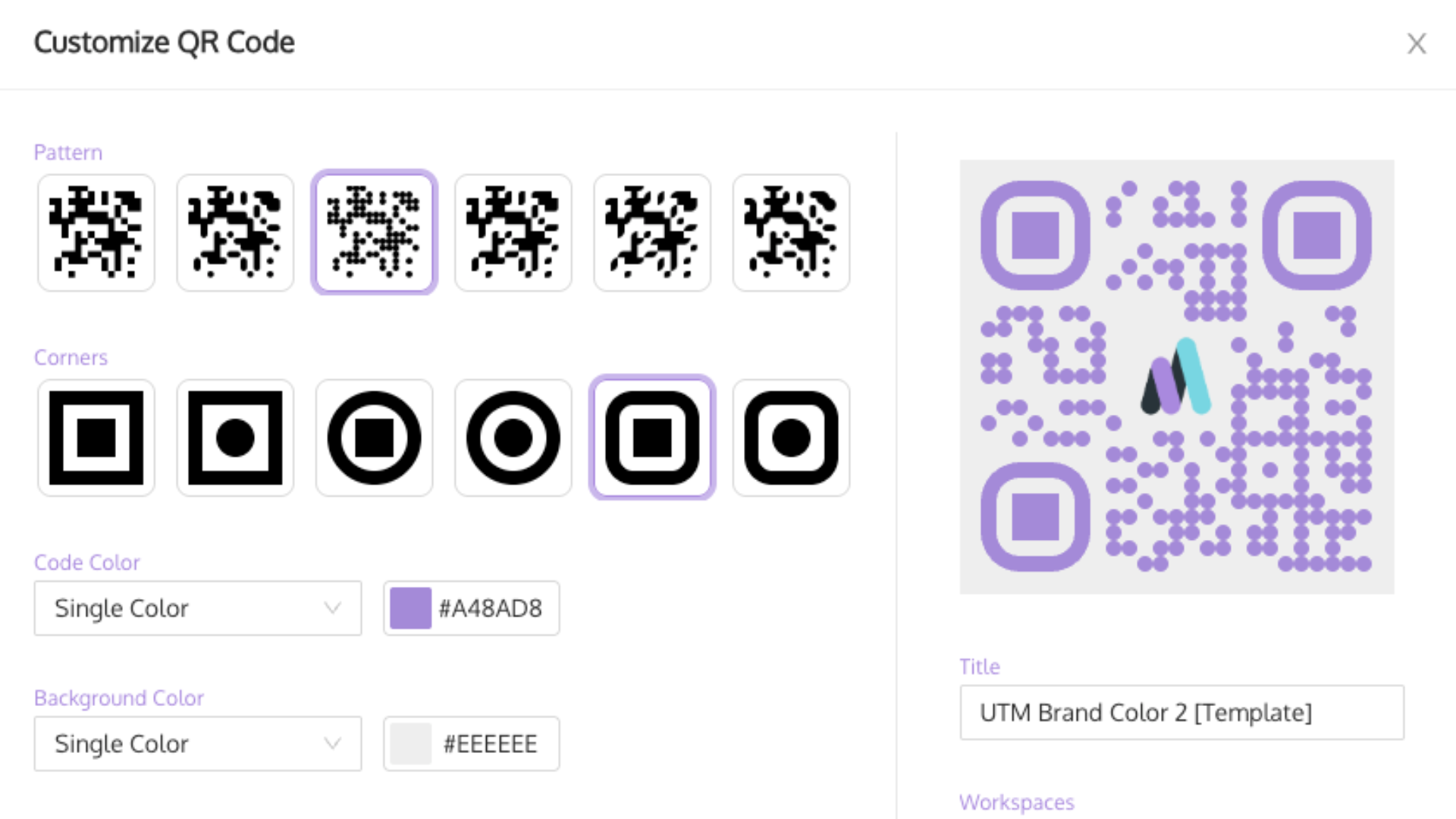
Core QR Code Features
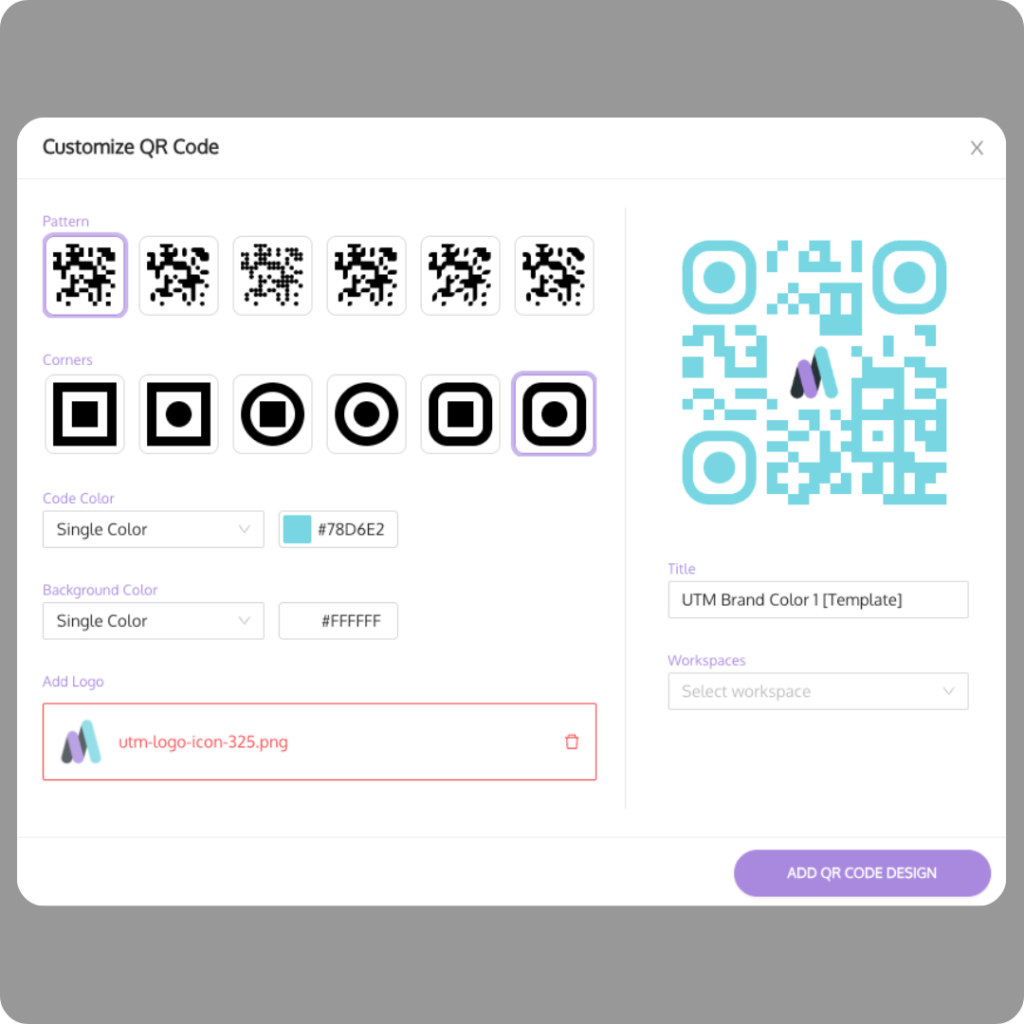
Customizable Designs
Make your QR codes stand out with fully branded designs that align with your visual identity. Whether for print, packaging, or digital campaigns, your QR codes will be as unique as your brand.
➜ Add logos, colors, and custom frames to match your branding guidelines.
➜ Generate and download high-quality QR codes in PNG, JPEG, and SVG file formats.
➜ Increase professionalism and visual appeal of links with a memorable, branded short domain.
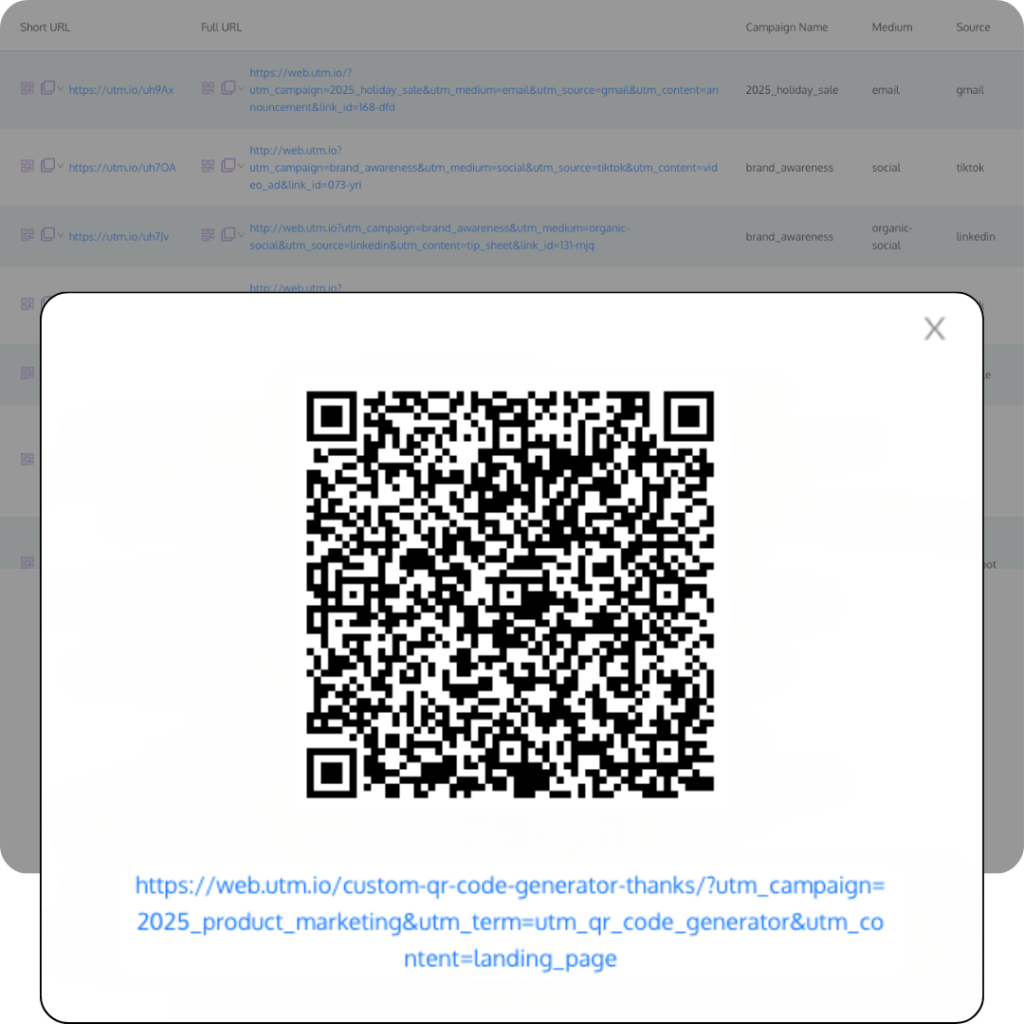
UTM Builder Included
Turn every scan into actionable insights by adding UTM parameters to the URL embedded in your QR codes. Track both online and offline campaign performance effortlessly, without manual tagging. Our free UTM builder makes it easy to generate UTM parameters and organize your campaign URLs in one place.
➜ Automatically embed configured UTM parameters into your QR code URLs for consistent attribution.
➜ Easily edit QR code links and parameters without having to reprint or redownload the image.
➜ Gain real-time data on scan-activity and engagement by tracking clicks right within UTM.
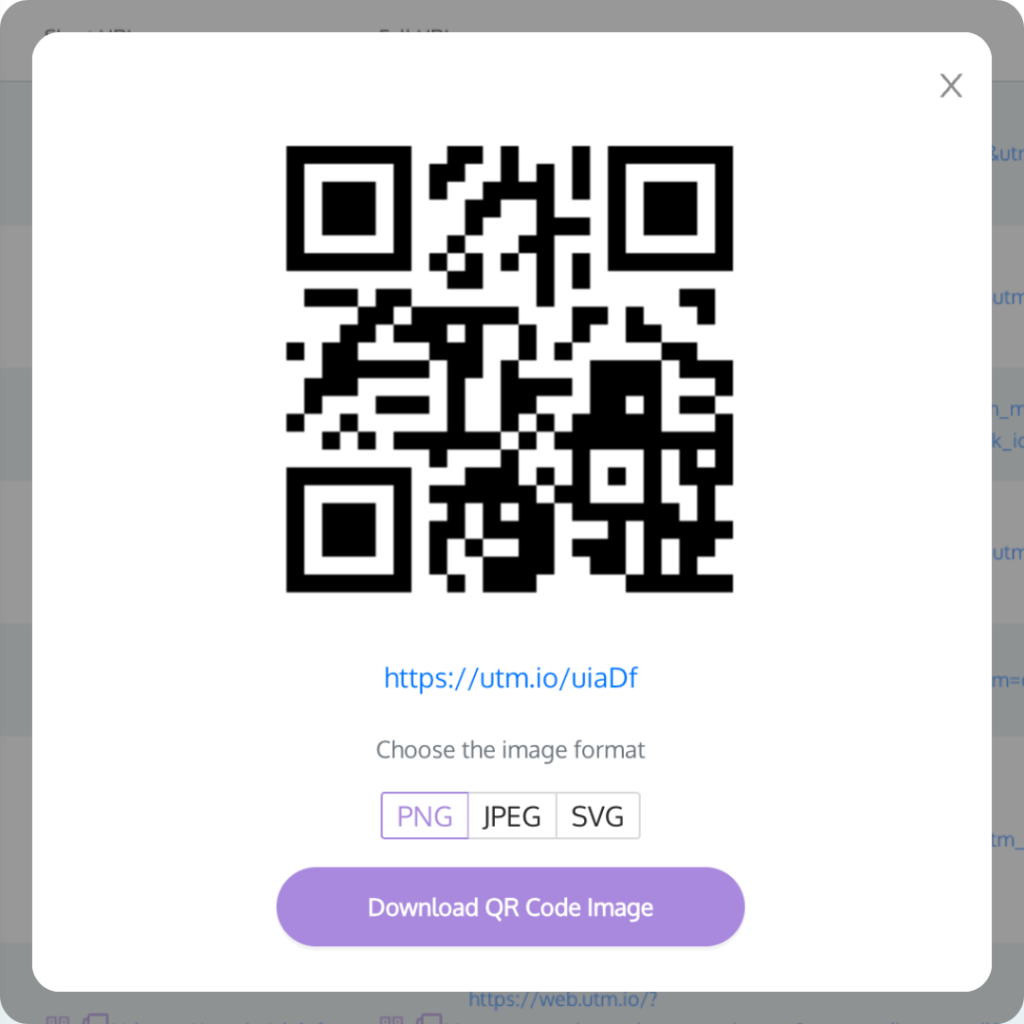
Effortless Code Creation
Easily generate beautiful, branded codes without the hassle of complex tools or design software. UTM.io streamlines the process, allowing you to create high-quality designs in just a few steps.
➜ Use an intuitive, user-friendly interface—no advance technical skills required.
➜ Quickly adjust colors, corners, logos, patterns, and text, then instantly preview QR codes.
➜ Make edits and update your designs in seconds—without starting from scratch.
Dynamic QR Codes for Greater Engagement
Our UTM Shortener generates QR codes that point to dynamic short links, allowing you to update destinations without reprinting. The codes can be scanned with any smartphone, giving your audience quick access to your links. This seamless sharing method helps boost engagement and improves the click-through rate of your promotions.
- Easy offline sharing with QR codes that link directly to your content.
- Boost your campaign’s click-through rate with convenient link access.
- Offers a convenient and modern way to share links with the audience.
Easily Update Your URL
Edit the destination of your shortened links without changing the short link itself. This allows you to update campaigns effortlessly without needing to re-share links.
➜ Update link destinations without modifying the short link.
➜ Adjust campaigns seamlessly without re-sharing links.
➜ Enjoy greater flexibility and efficiency in link management.
Simplify Domain Forwarding for Links
Set a default destination for all your shortened links with built-in domain forwarding. This feature saves time by eliminating the need to manually configure each link, ensuring a consistent and streamlined experience.
➜ Save time with automatic default domain forwarding.
➜ Ensure a consistent destination for all shortened links.
➜ Effortlessly manage multiple links with a single setting.
Built-In HTTPS for Secure Links
All shortened links are automatically encrypted with HTTPS, providing a secure browsing experience. This ensures your links remain protected against security threats while building trust with your audience.
➜ Automatic HTTPS encryption for added security.
➜ Shields links from potential security threats.
➜ Builds trust and ensures a safe browsing experience.
Don’t settle for one-size-fits-all link tracking.
Get a customized, scalable solution designed to fit your unique business needs—offering flexibility, precision, and seamless management.
Understanding UTM Parameters
UTM parameters are tags added to the end of a URL string that help you identify exactly where your traffic originates. When someone scans your QR code, these parameters pass valuable data to your analytics platform. Here are the five standard UTM parameters:
| PARAMETER | PURPOSE | EXAMPLE VALUE |
| utm_source | Identifies the traffic source | google, facebook, flyer |
| utm_medium | Identifies the marketing medium | cpc, email, qr_code |
| utm_campaign | Identifies the campaign name | spring_sale, product_launch |
| utm_term | Identifies the paid keyword | running+shoes |
| utm_content | Differentiates similar content | logo_link, text_link |
UTM.io automatically embeds these parameters into your QR codes, creating the final URL with UTM tracking. Every scan delivers rich, trackable data to your Google Analytics campaign reports without manual configuration.
UTM Tagging Best Practices for QR Campaigns
Follow these naming conventions to keep your data clean and consistent across all analytics tools:
➜ Use lowercase letters only: analytics platforms treat “Email” and “email” as separate sources.
➜ Replace spaces with hyphens or underscores: avoid special characters that can break your URL string.
➜ Stay consistent with naming: decide on conventions like “facebook” vs “fb” and stick with them.
➜ Never use UTM tags on internal links: this can overwrite your original traffic source data.
These ensure accurate reporting and help you get maximum value from every QR scan. For more resources on UTM conventions, explore our blog section.
Frequently Asked Questions (FAQs)
You can design a QR code that aligns with your brand by adjusting colors, adding your logo, and choosing custom styles. UTM.io’s QR code generator allows you to personalize these elements while ensuring your code remains scannable.
YES! UTM.io’s QR codes are dynamic, meaning you can update the URL with UTM parameters at any time without needing to generate a new code – keeping your customer journey tracking intact.
Our generator optimizes every code for reliable scanning, so you don’t need to worry about design or technical adjustments. If you need a larger version for print materials like banners, download your code as an SVG file to ensure it scales without losing quality.
- PNG – Best for most use cases, including websites, social media, and small-to-medium print materials.
- SVG – Ideal for large-scale printing (banners, posters, billboards) since it scales without losing quality.
- JPEG – Suitable for digital use but not recommended for printing, as it may lose quality when resized.
No, your QR codes will remain active unless you choose to disable or delete them. Since they are dynamic, you can update the destination URL as needed without reprinting at any time.
UTM parameters are short text tags added to your URLs that help analytics tools like Google Analytics identify where your visitors come from. The five standard parameters are UTM_source, UTM_medium, UTM_campaign, UTM_term, and UTM_content. When embedded in QR codes, they automatically track both online (email newsletters, video QR codes) and offline (business cards, flyers, and other) campaign performance.